
Android app · Google Play
Your school in every parent's pocket with the CampusNXT app
Attendance, fees, homework, exam results and school notices — delivered to parents' and staff phones with instant notifications. Parents can pay fees and apply for leave right from the app.

Inbuilt features
Everything parents ask the school office — answered in the app
The app works with the same CampusNXT account your school already uses, so information entered at school appears on parents' phones straight away.
- Attendance
- Fee details
- Pay fees online
- Payment history
- Homework
- Assignments
- Exams & results
- Hall tickets
- Timetable
- Push notifications
- Circulars & notices
- Messages
- Events
- Leave requests
- Holidays
- ID card photos
Inside the app
Simple screens parents understand at a glance
Screens from the CampusNXT app on Google Play.
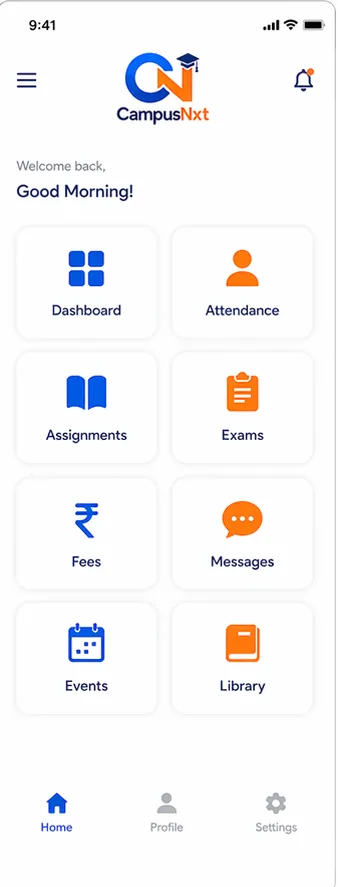
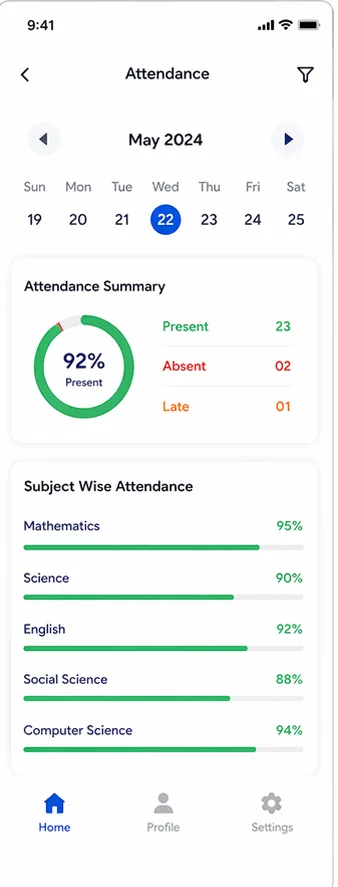
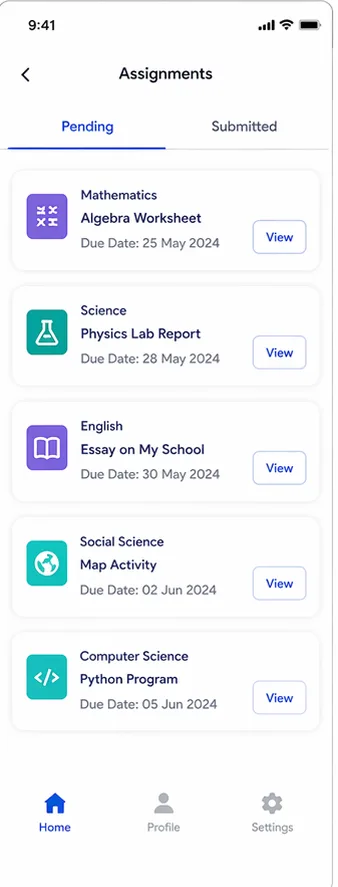
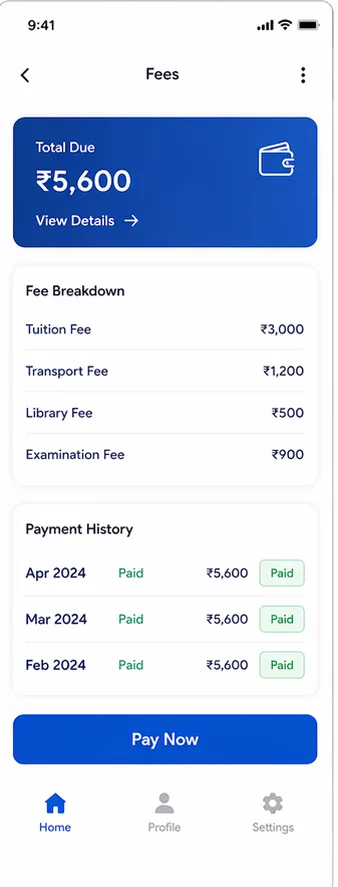
One app for the whole school community
For parents
- Daily attendance and absence alerts
- Fee dues, receipts and online payment
- Homework, timetable and hall tickets
- Leave requests in a few taps
For teachers & staff
- Post homework and notices to a class
- Mark and check attendance
- Take ID-card photos with the in-app camera
- Stay updated with school announcements
For management
- Collections and dues on the go
- Approve leave from your phone
- Send notices to the whole school
- Instant updates as things happen
Getting started
Parents are ready in three easy steps
Install the app
Download CampusNXT – Smart School App free from Google Play.
Log in
Sign in with the login details shared by your school.
Stay informed
Allow notifications to get attendance, fee and homework updates instantly.
Premium Custom App
Want an app with your school's own name?
On the Premium Custom App plan we publish a custom Android app on the Play Store with your school's name, logo and colours — powered by the same CampusNXT features.
- Your school name and logo on parents' home screens
- Published on Google Play by our team
- Unlimited students and branches
Mobile app questions
Where can parents download the app?
From Google Play — search for “CampusNXT” or open the app page. The app is free to download.
How do parents log in?
With the login details their school shares. Schools create parent logins from CampusNXT, so there's no separate sign-up.
Is there an iPhone app?
The CampusNXT app is available for Android on Google Play. Parents with an iPhone can use the parent portal in any web browser with the same login.
Which plans include the app?
The mobile app is included from the Web + Global App plan upwards. The Premium Custom App plan adds an app published under your school's own name. See pricing.
Can parents pay fees in the app?
Yes, when your school has online payments (Razorpay) set up. Payments are recorded against the student's dues and a receipt is generated automatically.
Bring your school onto parents' phones
Download the app, or book a demo to see how it works with your school's data.